
Ready for a fun, quick, and useful little project? What if you could extract all the knowledge from a specific YouTube channel without having to watch hours and hours of video?
What I’m going to show you has transformed how I learn new topics. With NotebookLM, you can stuff all the information in a YouTube video into an interactive knowledge base that you can ask questions of using natural language.
In this post, I’ll show you how to build a learning program on (almost) any topic using NotebookLM and YouTube (without wasting time watching videos). And we’ll explore how to supercharge it, too.
Obligatory caveat: Not recommended for learning brain surgery or civil engineering because brains and bridges are complicated and someone could die. For learning brain surgery or civil engineering, there’s university. For everything else? There’s NotebookLM.
How Do You Learn?
Mark Thompson of The Systematic Writer asked a question that got me thinking. How do you learn?
Do you watch 10 hours of YouTube or do you dive in and try things?
The answer, of course, is it depends, and it’s often a combo. Honestly, PDFs with images and text are faster than video for me. That’s the thing about learning through videos. It slows you down.
But what if you could “watch” 10 hours of YouTube videos and learn all the key points in those videos without actually watching them?
How much time would that save you?
What if the content of the 10 hours of YouTube videos could be automagically added to a knowledge base? And… you could ask questions of that knowledge base? Using natural language?
What if you could build your own personalized learning program based on that content?
Well, now you can. You can easily build your very own knowledge base with content from 5, 10, even 50 YouTube videos. Then ask it questions. You can take 50 videos from your favorite YouTuber and build your own personalized, interactive training mentor.
NotebookLM makes this possible. And, it only uses the source material you give it, which cuts down on the typical hallucination problem LLMs are frustratingly famous for.
How to Build Your Personalized Knowledge Base
In just a few clicks, we’ll assemble a personalized knowledge base as a notebook in NotebookLM. I’m going to use YouTube as an example, but you don’t have to limit yourself.
Once built, we can ask questions of that knowledge base in multiple ways. We can even query it from Claude, and we can do it using natural language (no need to learn query languages like SQL).
This non-techie way of building a knowledge base that we can query like this has multiple benefits including saving time and money. NotebookLM is free. It only taps into the source material you give it to answer your questions, and provides persistent stored knowledge without having to set up a database.
Here are the steps:
Create a New Notebook at NotebookLM.
Find a Source Video.
Add Sources.
Ask Questions.
That’s it.
1 - Create a New Notebook at NotebookLM
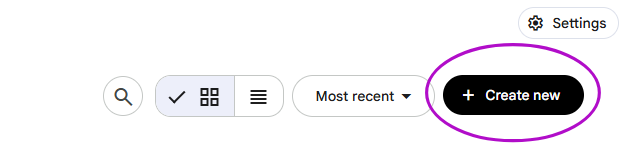
Go to https://notebooklm.google.com and select “Create New” to create a new notebook.
Hold that thought and…
2 - Find a Source Video
Next, we need a link to a YouTube video that NotebookLM can use. It will pull the transcript and bring it into your knowledge base.
Digital asset creation is a great idea, so I picked a video by Jillian of MiloTree.
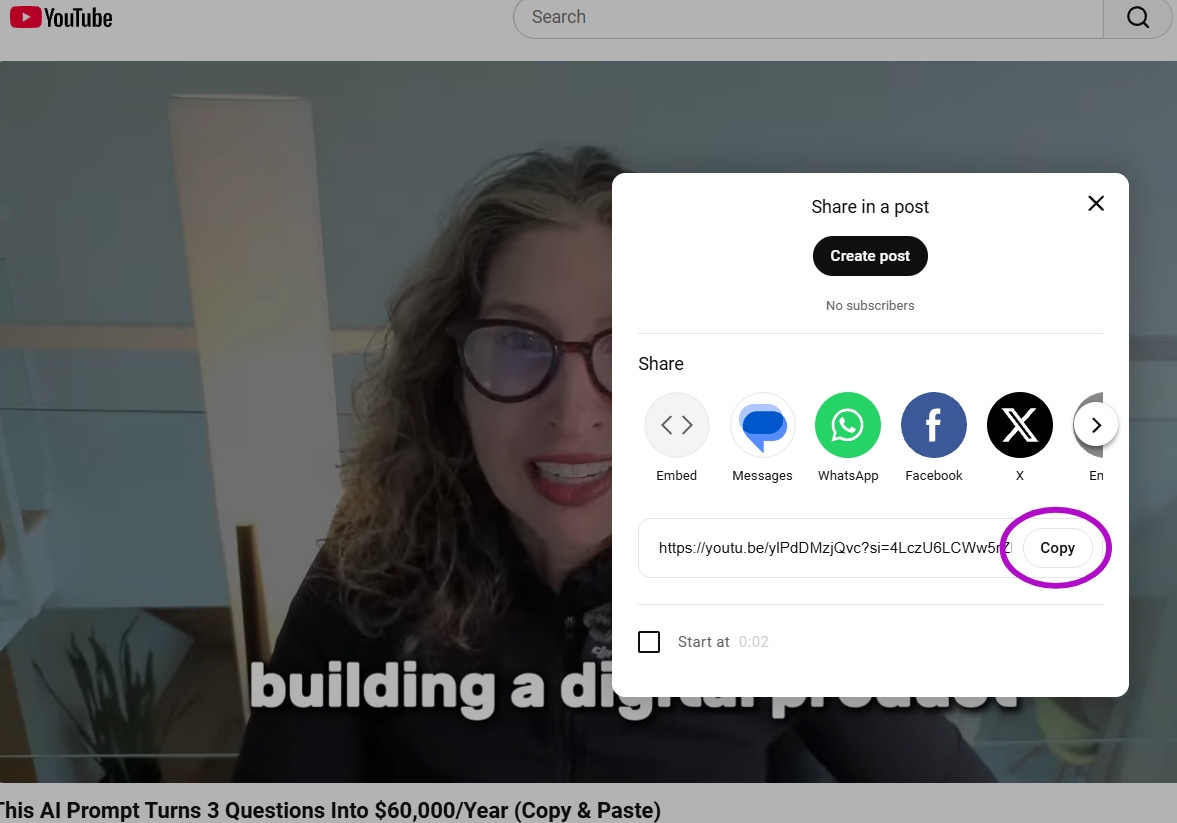
Open a new browser tab, go to YouTube, and copy the share link for the YouTube video of your choice.
3 - Add Sources
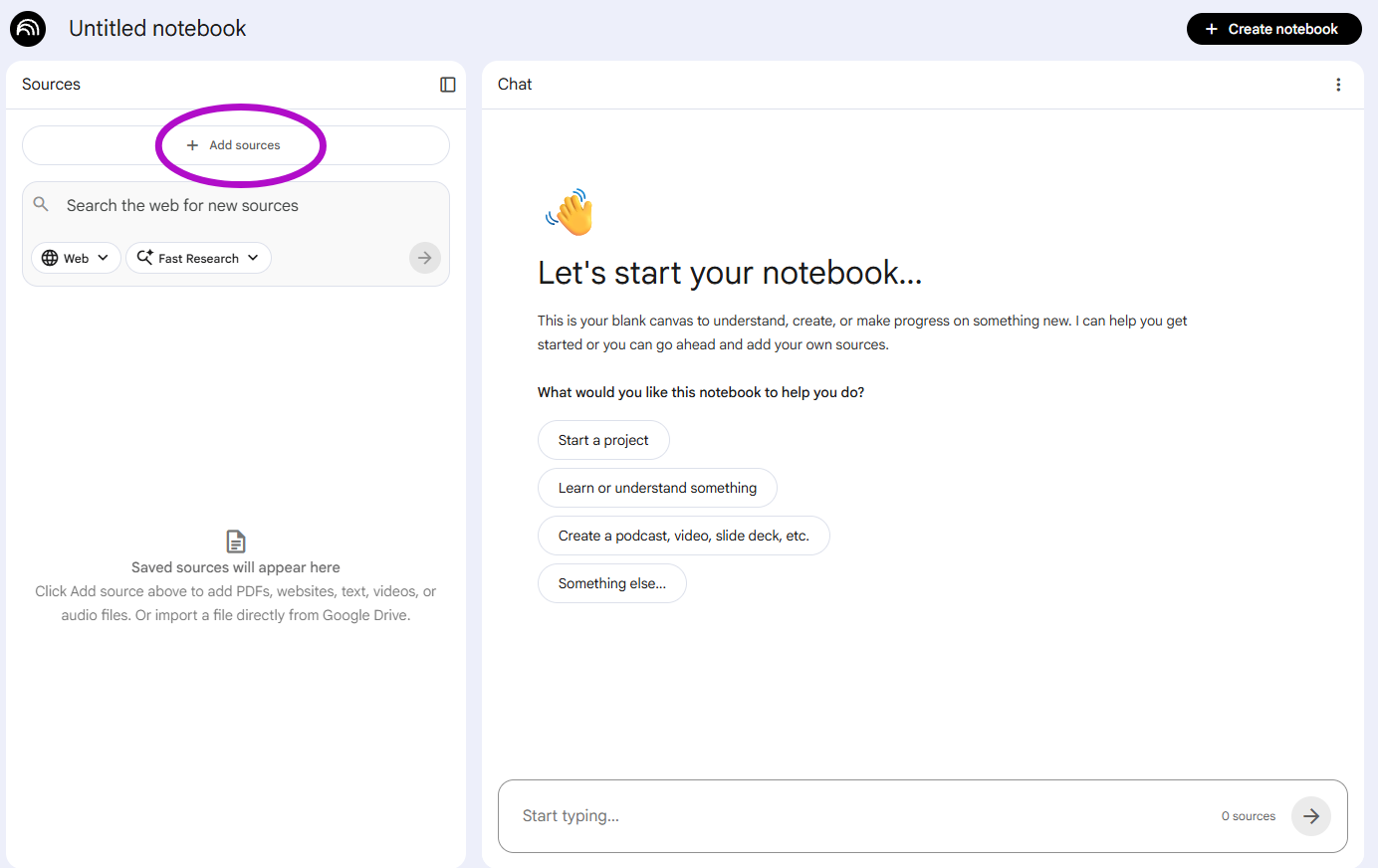
Back in NotebookLM, let’s keep it simple and click on “Add Sources.”
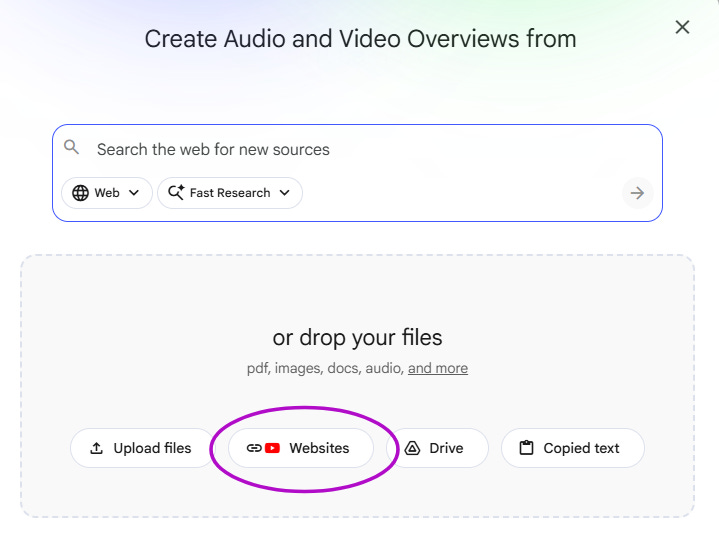
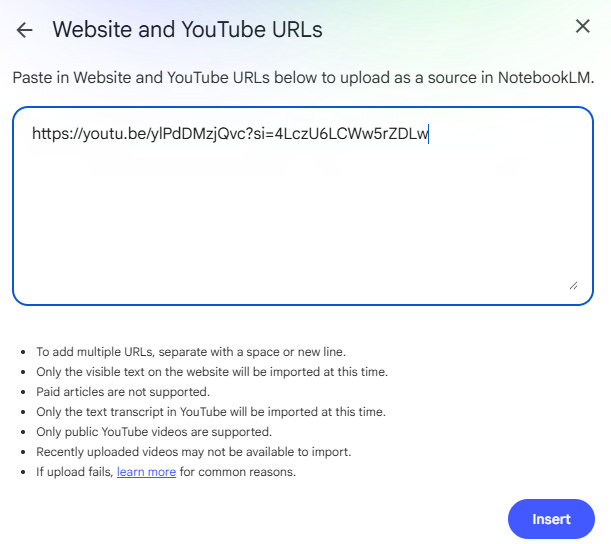
In the screen that pops up, click on “Websites.”
Paste the YouTube link you copied earlier in the box on the next screen and click “Insert.”
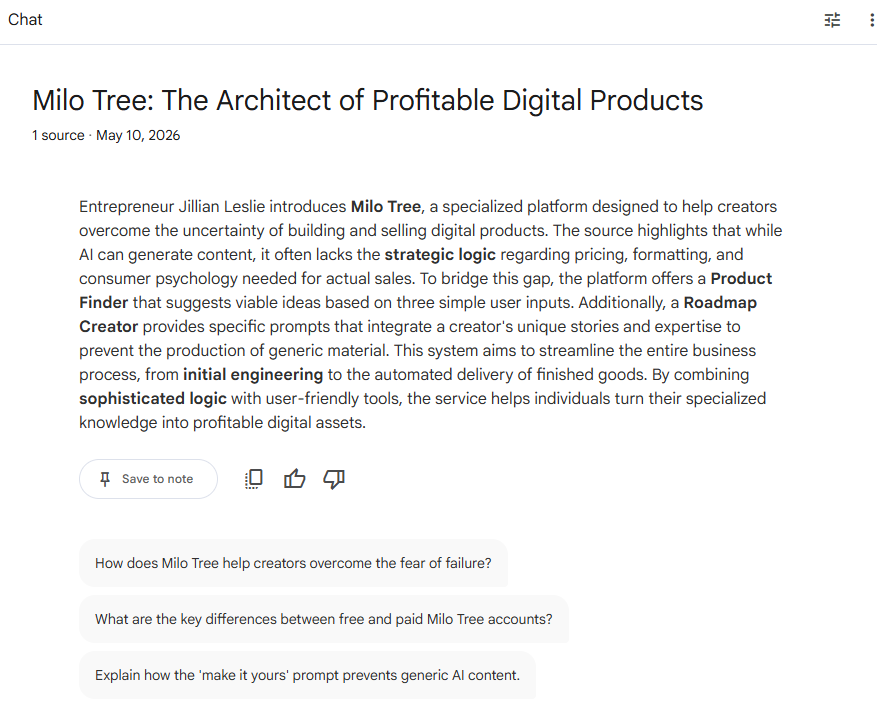
NotebookLM will read the video transcript and generate a summary from the information in the video. It gives you suggested questions, but you can ask your own. Below is a screenshot of the summary it gave me and the suggested questions.
4 - Ask It Questions
I like clear action steps, so I asked it to show me the step-by-step for creating a digital product I could sell. Remember, it will use the information from the sources to answer, so every question is answered based on what’s in the video or other source materials. In other words, the context and the constraints are built-in.
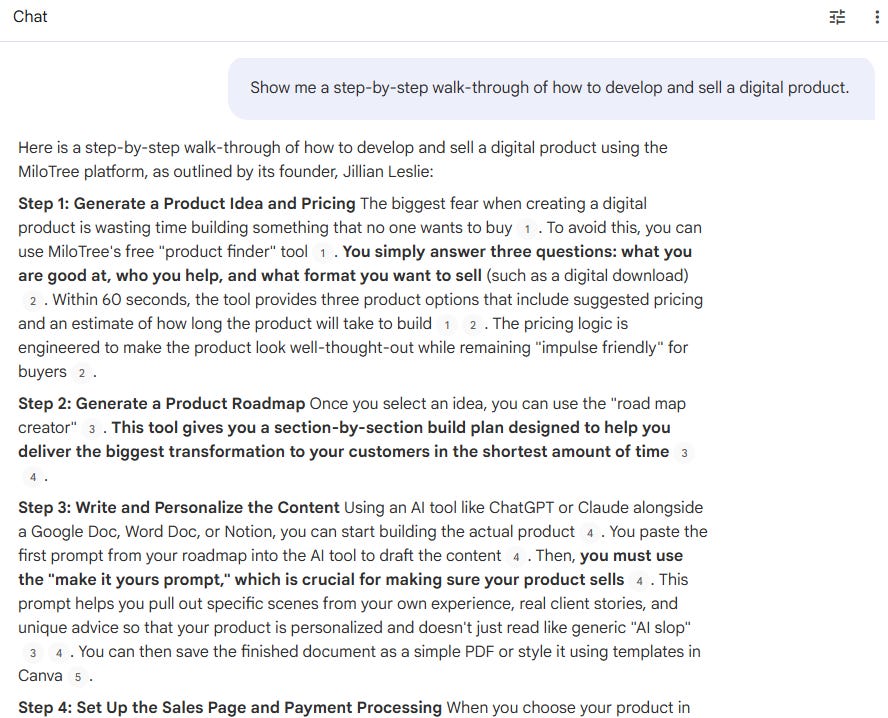
I can keep asking it questions until I’m satisfied with the output. I can ask for a longer summary, key points, more detail, and so on. I can copy and paste the results into a Google doc or a downloadable PDF. I can build a resource guide and action plan that I can reference whenever I want, without having to watch lengthy videos.
But wait, there’s more:
How to Supercharge Your NotebookLM Learning System
Now that you have a personalized learning system, what should you do with it? I’m glad you asked. Here are a few more ways to supercharge this thing and squeeze more out of it.
Remember: We kept it simple with just one video. You can feed it multiple types of content, not just videos, including other web sources.
1 - Build a Personalized Mentor
If there’s a creator or lecturer or all around coolest person in the world to you, you can upload their interviews, podcasts, or a bunch of their YouTube videos. Ask questions and get answers based on what this particular person has said in the source materials.
2 - Use Audio Overview
I thought this was hokey at first, but it actually can be pretty useful. Use the Audio Overview feature to turn the source material into a podcast. The AI generated hosts will discuss the content and you can interrupt it and ask questions if you want.
Clearmud used the Audio Overview feature to make a personalized Alex Hormozi mentor from his YouTube videos.
3 - Create an Interactive Course (from a Course)
This is one of my favorites. People don’t finish courses. I know I often don’t. In fact, I sometimes never even start them. But with NotebookLM, I can throw all the course material at it, and then have it teach me.
I did this with a couple of writing courses and it made all the difference. Upload courses to it, and then have it interactively walk you through the course. Once you’ve uploaded the course materials, you can use this simple prompt:
Create a concise, step-by-step course based on all source material such that [X] can [Y].For example, let’s say it’s a course for beginning writers on how to write short paranormal romance. Here’s the prompt:
Create a concise, step-by-step course based on all source material such that a beginning fiction writer can create quality short stories in the paranormal romance genre.4 - Build a Customized Course (from Other sources)
Can’t find a course on a topic you want to learn? Build one anyway. Add multiple videos from one or more YouTube channels that cover the subject you want to learn. For example, all the videos from a playlist. Bring in PDFs, blog posts, links, and other sources if you like to round out the content. Then build a course that teaches you the topic from zero to hero. The prompt:
Create a concise, step-by-step course based on all source material such that a beginning fiction writer can learn to write a novel in the cozy mystery genre.5 - Fact Checker/Verifier
Add multiple videos and links from the same source or multiple sources, and have it fact check for you. I’ve used this to debunk or verify rumors and claims a number of times. The prompt:
Is there any mention in the sources of [X] being paid to [Y] for the purposes of [Z]?This is the future of personalized learning. Eventually, course platforms will work this way, but for now, we have NotebookLM.
But remember, brain surgery is probably best learned in medical school.
That sounds great! I'd definitely be interested in that.
This is truly inspired!
I've messed around with NotebookLM for creating videos and podcasts of my own stuff but I've never thought of using it like this.
Thanks for the tutorial 🙂